


MyYes App
Manage your all your account needs with ease through our self-care MyYes app.
-
 Step
1
Step
1
Download the MyYes app
-
Step
2
Login to your account
-
Step
3
Select the ‘Account’ tab
-
Step
4
Tap on ‘Pay’ to make bill payment
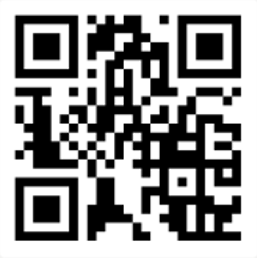
Scan the QR code to begin



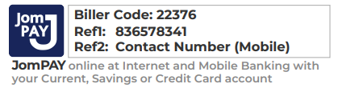
JomPAY/Online Banking
Pay your bills anytime, anywhere at your convenience.
-
Step
1
Log in to your preferred bank or select JomPAY.
-
Step
2
Enter Yes JomPAY Biller Code: 22376 & Ref-1 (Billing Account) to confirm payment.
Yes Express Payment Channel
Enjoy quick, easy and secure online bill payment through our designated portal.
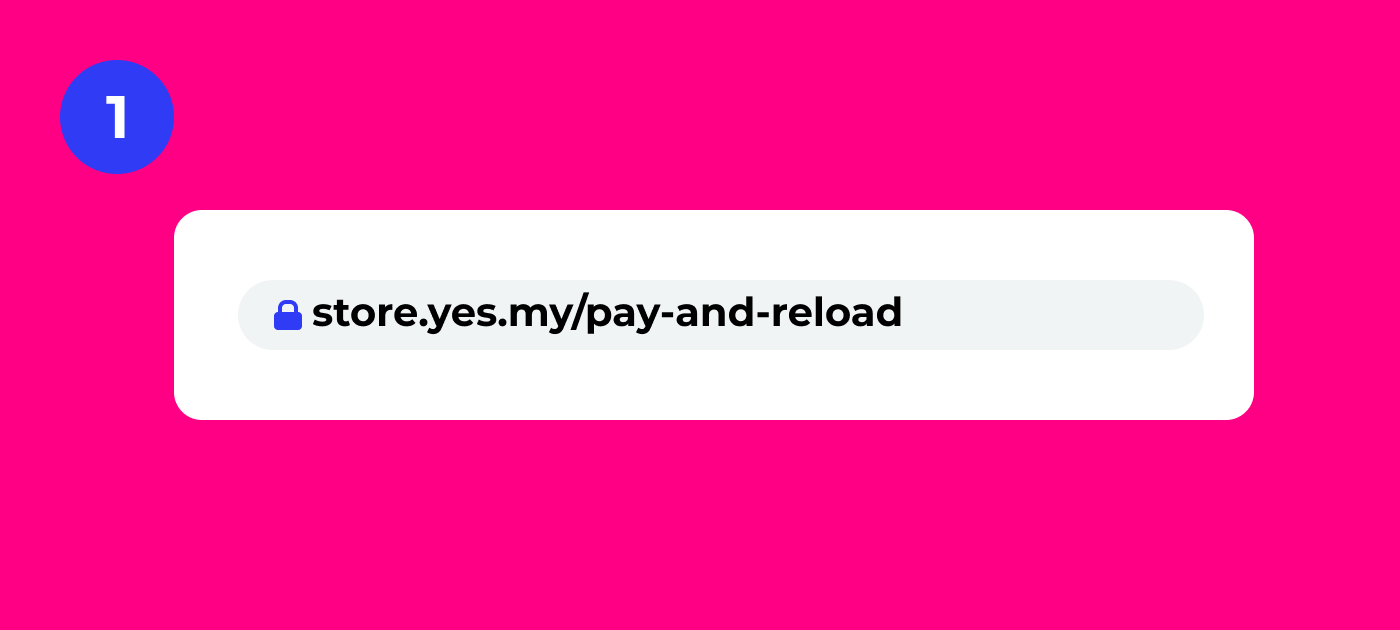
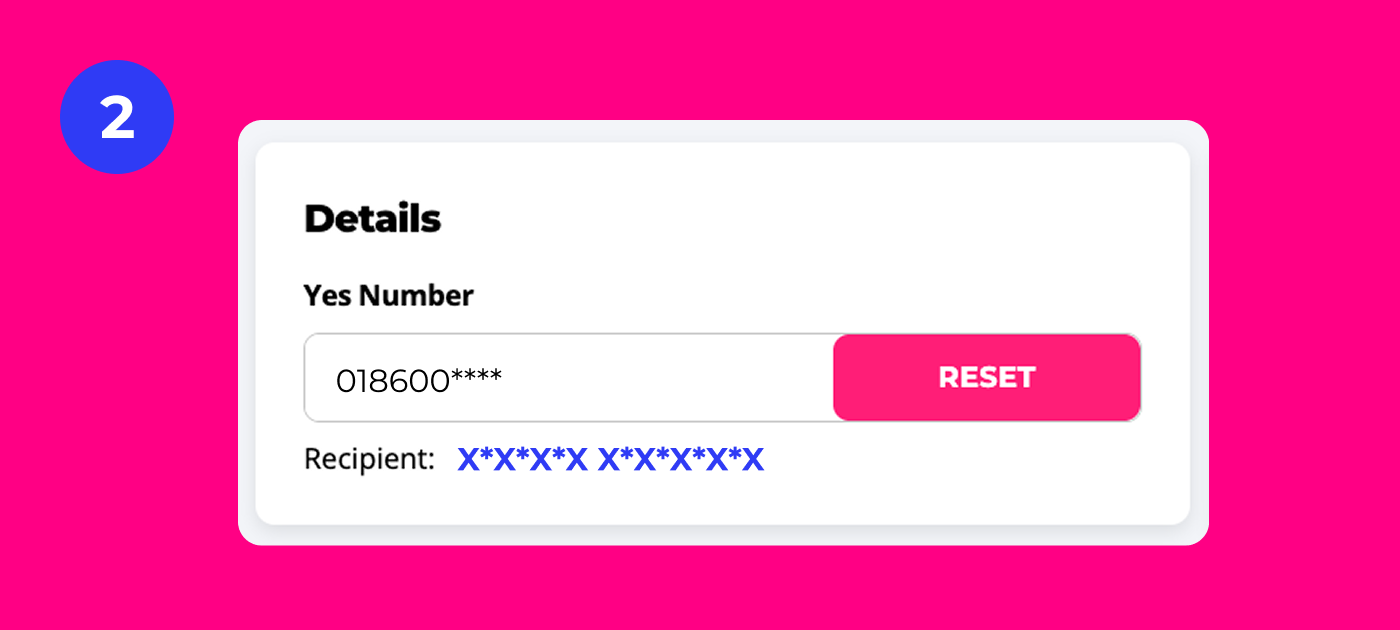
Step 2
Verify your phone number
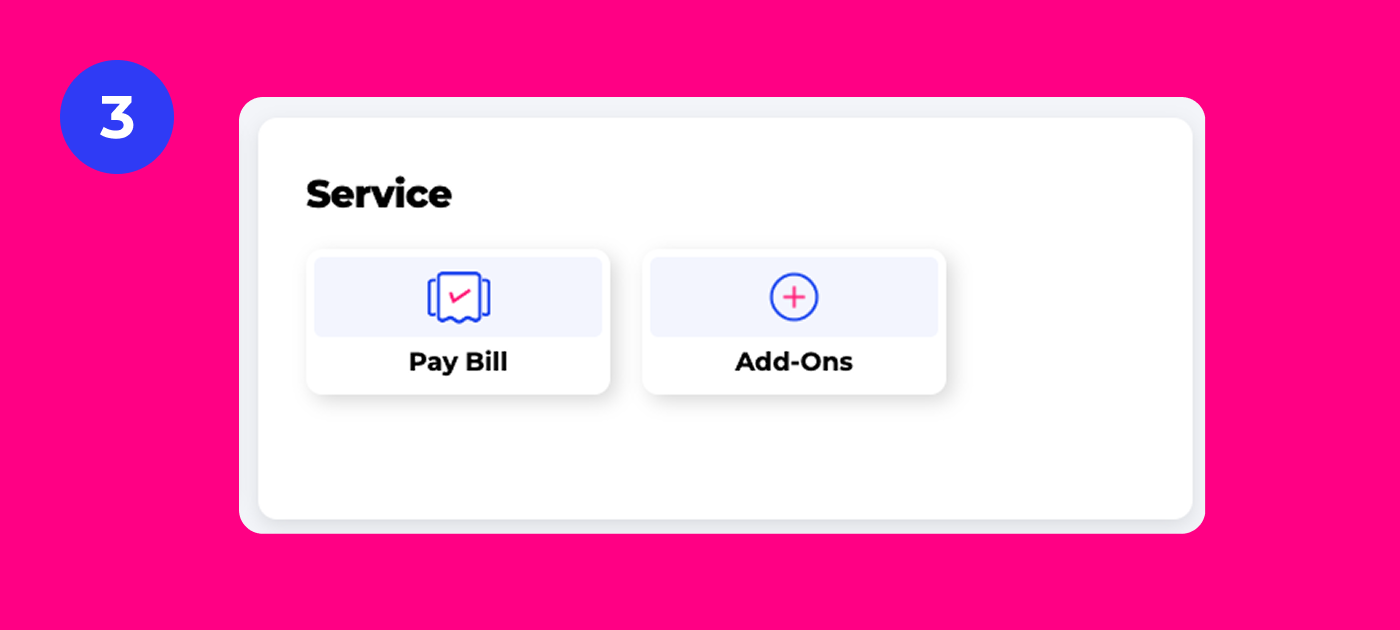
Step 3
Choose ‘Pay bills’.
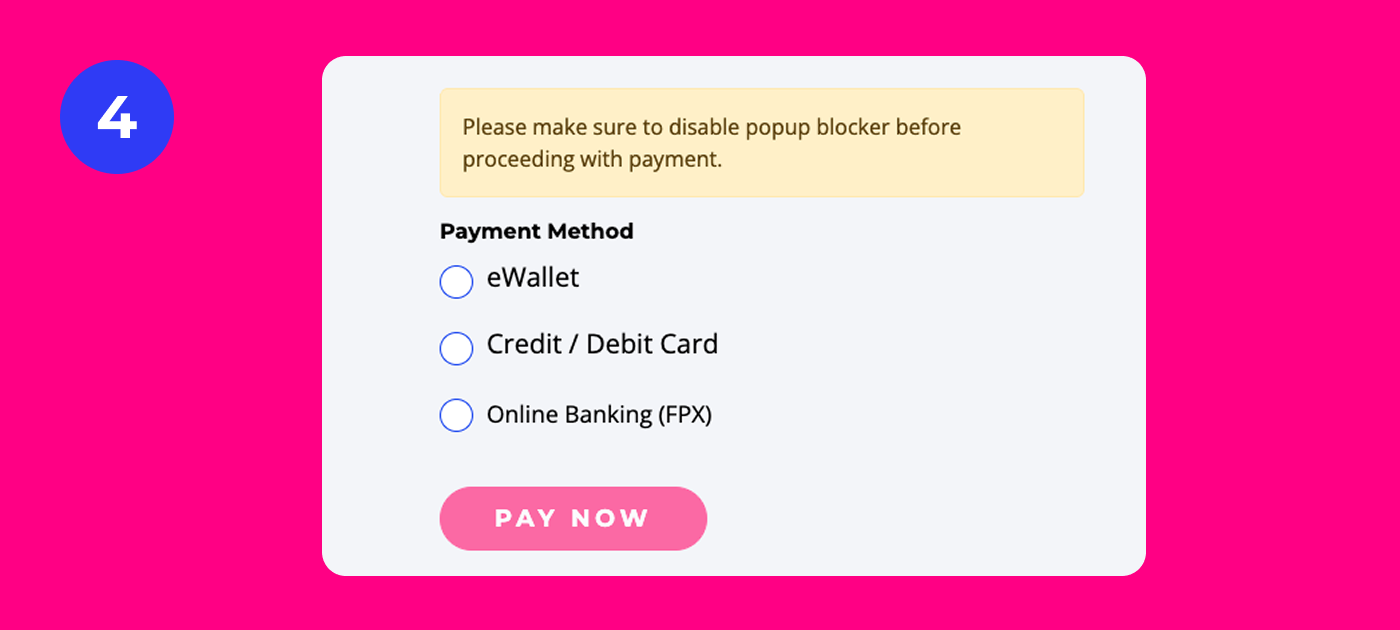
Step 4
Make payment.
Auto Billing/Direct Debit
Enjoy 2% rebate or up to RM5 on your monthly bill when you enable automatic payment.
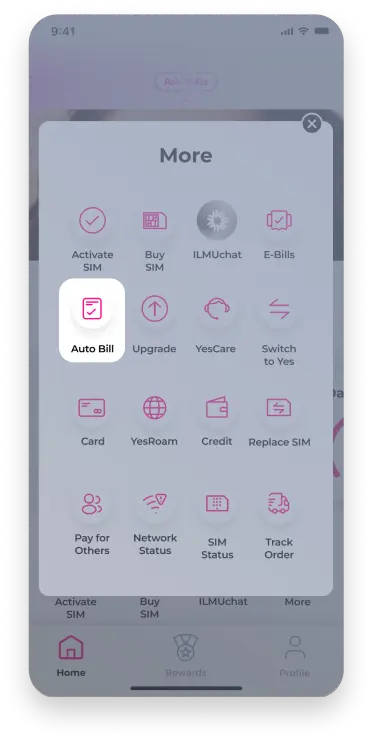
1 Step 1
Login to the MyYes App. Tap Quick Access and select Auto Bill.
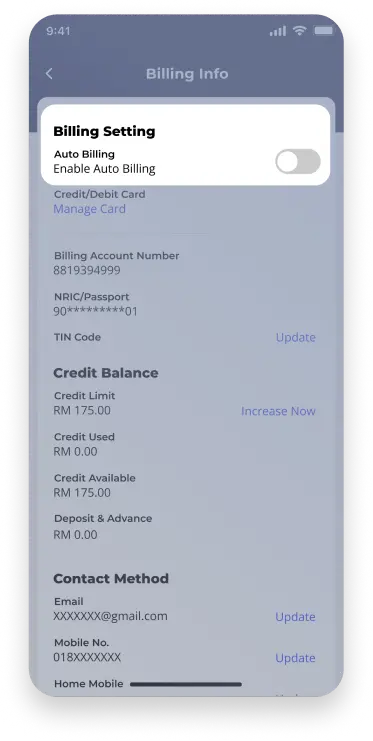
2 Step 2
Enable the Auto Billing toggle.
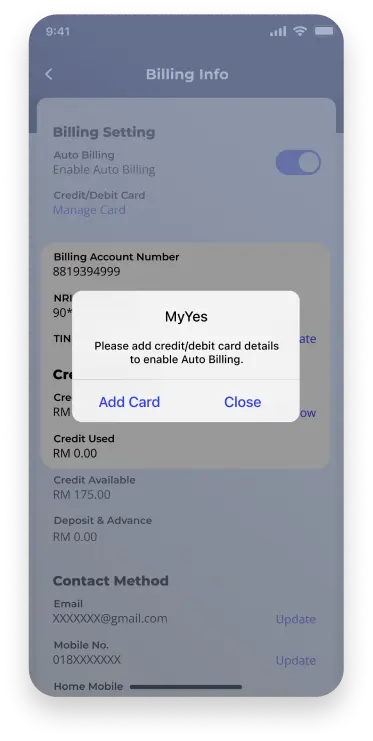
3 Step 3
Tap on add card.
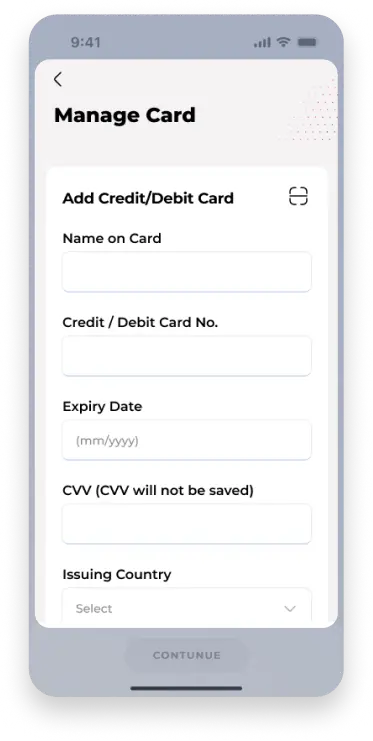
4 Step 4
Enter your card details and continue.
Internet Banking
Pay your bills through online transaction from your preferred bank.









eWallets
Pay your bills through your preferred eWallet.


Other Payment Options
Pay your bill conveniently at your nearest Yes Kiosk or preferred retail store.
Self Service Kiosk (SSK) View location












MyYes App
Reload or purchase data add-ons with ease through our self-care MyYes app.
-
Step
1
Download the MyYes app.
-
Step
2
Login to your account.
-
Step
3
Select the ‘Account’ tab.
-
Step
4
Tap on ‘Add-ons’ to purchase reload or data.
Scan the QR code to begin
Yes Express Payment Channel
Enjoy quick and hassle-free reload through our designated portal.


Step 2
Verify your phone number

Step 3
Choose ‘Add-ons’.

Step 4
Make payment.
Internet Banking
Reload instantly through online transaction from your preferred bank.
eWallets
Reload directly through your preferred eWallet.
Other Payment Options
Reload conveniently at your nearest Yes Kiosk or preferred retail store.
Self Service Kiosk (SSK) View location